How to Spot Fake or Refurbished iPhone 11 When Buying Used in Nigeria
Avoid scams: here’s a checklist to help Nigerians spot fake, refurbished or stolen iPhone 11 before paying.

olamide a
Buying a used iPhone 11 in Nigeria can be risky, especially with the rise of cloned devices, heavily refurbished units, and stolen phones disguised as clean deals. Many buyers are tricked by cheap prices or shiny bodies.

This guide walks you through the essential steps to confirm authenticity and avoid losing money.
Common Scams With Used Phones in Nigeria
The most common scams include clones that look like real iPhones but run a different operating system, refurbished devices with fake parts, and stolen phones that still appear in activation lock.
Some sellers also swap original screens, batteries, or cameras with low quality replacements. Understanding these tricks helps you stay alert when buying.
Checking the IMEI and Serial Number
Always start with the IMEI or serial verification.
Dial *#06# to see the IMEI and compare it with the number on the SIM tray and phone settings.
Then check it on Apple’s official coverage page to confirm if the device is genuine. If the IMEI does not match,
if the website shows an error, or if activation lock is turned on, walk away immediately.
Inspecting Battery Health and Cycle Count
Battery health is a strong indicator of the phone’s history.
Go to Settings
Battery, Battery Health and look for the maximum capacity percentage.
If the number is extremely low, the battery may be a cheap aftermarket replacement. A cycle count that seems too high for the stated condition of the phone might signal heavy previous use.
Examining the Screen, Body, and Accessories
Look closely at the screen for discoloration, flickering, or unusual brightness. Aftermarket screens often feel different and may not respond smoothly to touch. Check the body for gaps around the frame, unusual screws, or dents that suggest the phone has been opened.
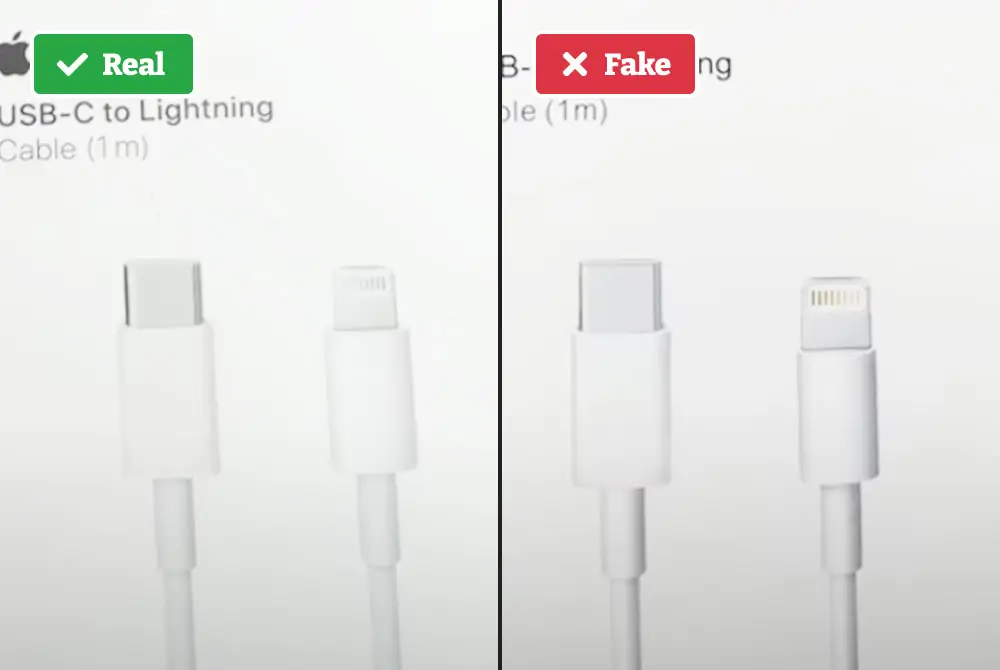
Accessories that look too cheap or unbranded usually indicate replacements.
Testing Camera, Speakers, and Sensors on the Spot
Open the camera app and test all lenses.
Check for focus issues, shaking, or blurry edges.
Test the speaker by playing audio at different volumes.
Confirm that sensors like Face ID, proximity sensor, and auto brightness are functioning.
Many fake or refurbished devices struggle with these features.
What to Avoid When a Deal Seems Too Good
If the price is far below the normal market value, there is usually a problem. Sellers may pressure you to decide quickly or avoid letting you inspect the phone properly.
Some may refuse IMEI checks or claim the battery health feature is disabled. These are clear warning signs that you should not proceed.
Final Safety Tips
Always inspect a used iPhone 11 in a well lit place and take your time. Ask for a receipt and test the device thoroughly before paying. Choose trusted sellers with good reputation like 360gadgetsafrica
Taking these steps helps you stay protected and ensures you buy a real, reliable iPhone 11 that will serve you for a long time.