How to Buy a UK-Used Laptop Safely in Nigeria (2026)
Thinking of buying a UK-used laptop in Nigeria? Learn how to check authenticity, battery health, specs, and avoid scams.

anisere muminat
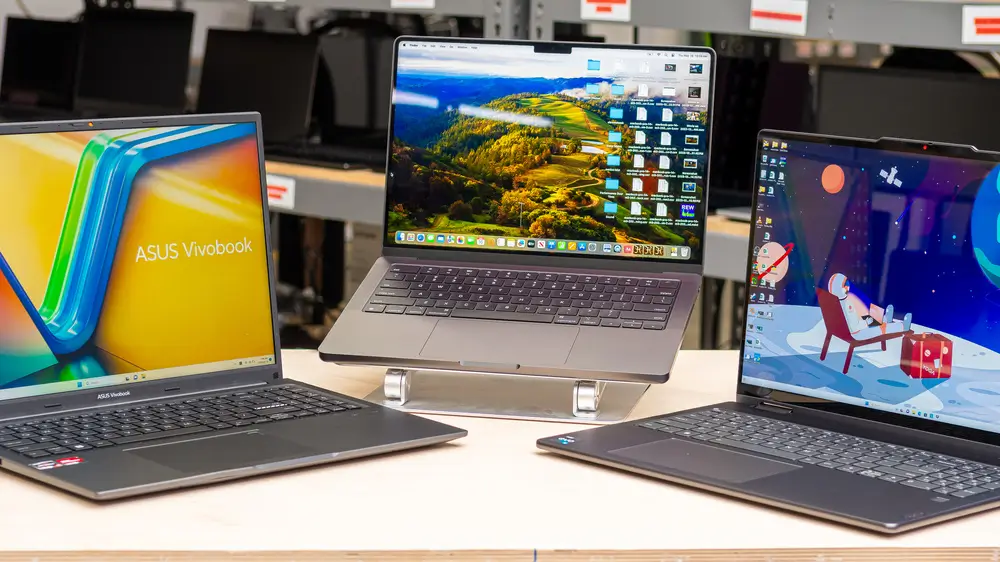
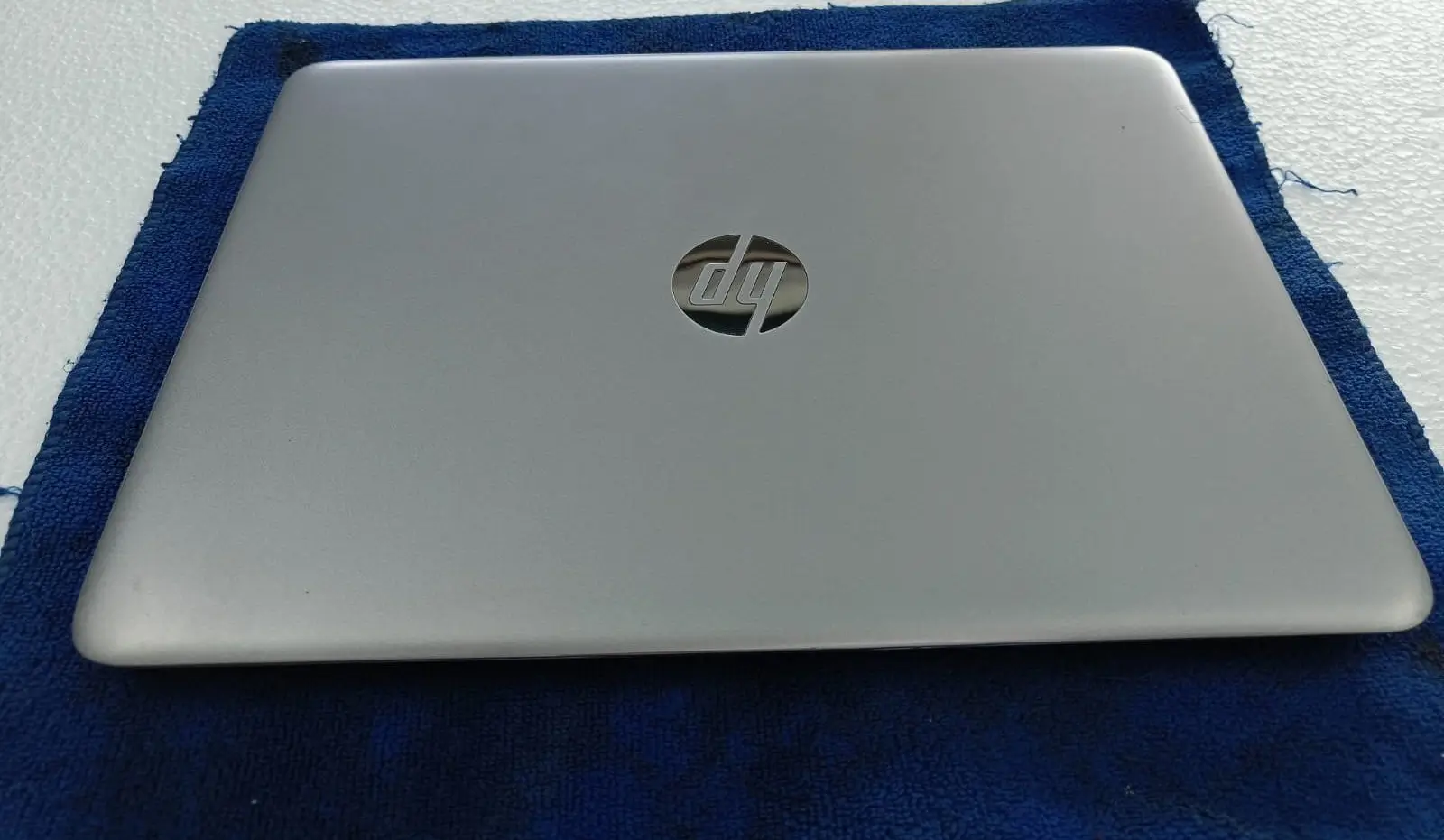
Buying a UK-used laptop in Nigeria can save you serious money, sometimes 40–60% less than a brand-new one with similar specs. But it can also go very wrong if you don’t know what to look for.
I’ve seen people lose hundreds of thousands of naira on laptops that overheat within weeks, have swollen batteries, or come with locked BIOS. Here’s a clear, no-nonsense guide so you don’t become one of those stories.
1. Always Verify the Seller First
Not every shop in Computer Village is the same. Look for sellers who:
Allow physical inspection
Provide a short warranty (at least 1–3 months)
Can show original charger and box if available
Are transparent about the laptop’s origin and condition grade
Trusted platforms like 360GadgetsAfrica test every device before listing and give clear grading so you know exactly what you’re buying.
2. Check These Critical Things Before Paying
Battery Health: Ask for a battery report. On Windows, run powercfg /batteryreport. On Mac, go to System Settings → Battery. Anything below 80% means you’ll likely need a replacement soon.
Keyboard & Ports: Test every key, USB port, HDMI, and headphone jack. Sticky keys or dead ports are expensive to fix later. You can also read our laptop keyboard cleaning guide if the device looks dusty.
Screen Condition: Check for dead pixels, backlight bleed, and pressure marks under different angles and lighting.
Performance Test: Open multiple browser tabs, run a short video, and check Task Manager or Activity Monitor for unusual CPU/RAM usage. Overheating under light load is a red flag.
Storage & RAM: Confirm it’s SSD (not HDD) and at least 16GB RAM for comfortable 2026 use. You can upgrade RAM later on many models, but storage is harder.
3. Common Scams to Watch Out For
“UK used” that’s actually China-used or heavily refurbished with low-quality parts
Fake specs (seller claims 32GB RAM when it’s 8GB)
Locked accounts or activation locks (especially on MacBooks)
Swollen batteries sold as “excellent condition”
Always insist on a proper test before payment.
4. New vs UK-Used: When It Makes Sense
UK-used is smart when:
You want higher specs for less money
You’re buying from a verified seller with warranty
You plan to use the laptop for 2–4 years
It becomes risky when the price difference is small or the seller refuses inspection.
5. After You Buy – Protect Your Investment
Install updates immediately
Get a good cooling pad for Nigeria’s heat
Clean the keyboard and vents regularly
Consider trading in older gadgets to offset the cost, check the trade-in page
Final Advice
A UK-used laptop can be one of the best value purchases you make in 2026, if you buy smart. Focus on verified condition, battery health, and a seller who stands behind their product.
Ready to buy with less risk?
Visit 360GadgetsAfrica.com. Our vendors test every UK-used laptop, offers clear grading, warranty, and flexible installment options so you can upgrade without stress.